Your selected information
Drawings, procedures, specs, QC and other records you choose to include.
How Atlas works
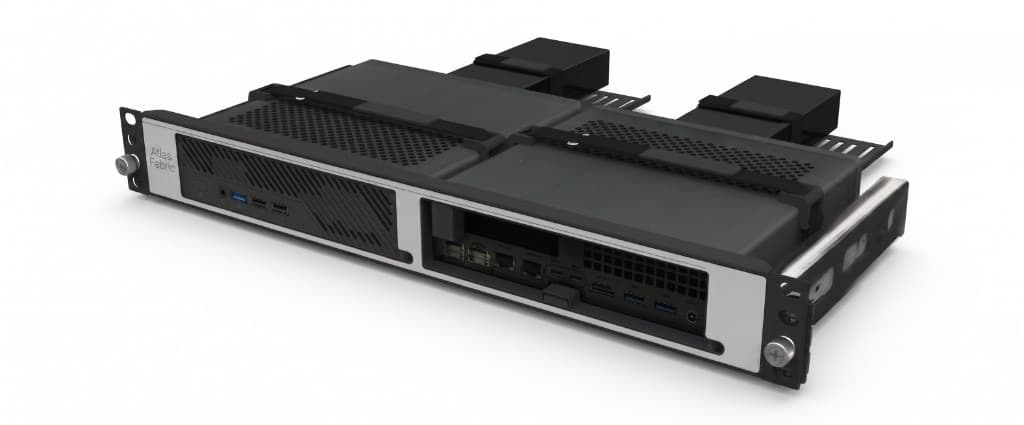
Atlas deploys an on-premise device loaded with engineering capabilities. It stores and serves your selected information so the work stays on site.
You pick an approved interface your organization already uses and connect it to that device. Those tools get real capability on your data. You do not replace the foundation when the front-end app changes.
01
Atlas installs an on-premise device on your network with the services your team needs.
02
Selected drawings, procedures, records and engineering material stay on the device, not scattered into a general cloud chat.
03
Teams keep using the AI or workspace apps your organization already approves.
04
Those apps connect to the on-site device for search, retrieval and task-specific tools on your selected information.
Drawings, procedures, specs, QC and other records you choose to include.
Local storage, processing and controlled capability tools under your network.
The AI or workspace apps your organization already approves. Change the front end later without rebuilding the local foundation.
Start with the apps your team already uses. Compatibility is confirmed per deployment against your network and security requirements.
Available connection methods depend on the application, your network and security requirements. Atlas does not sell or endorse third-party products.
When your organization adopts a new approved app, it can connect to the same on-premise device for the same local data and engineering capability. The Atlas device stays; the front-end product can change.
The point of the device is control: selected information and engineering capability stay on premise. Remote maintenance, if used, stays private and subject to your IT policy.